
Building the perfect Pakistani home office with Logitech
Five Logitech pieces that turn a corner of your house into a workspace you actually want to use — mouse, keyboard, webcam, headset, lighting.
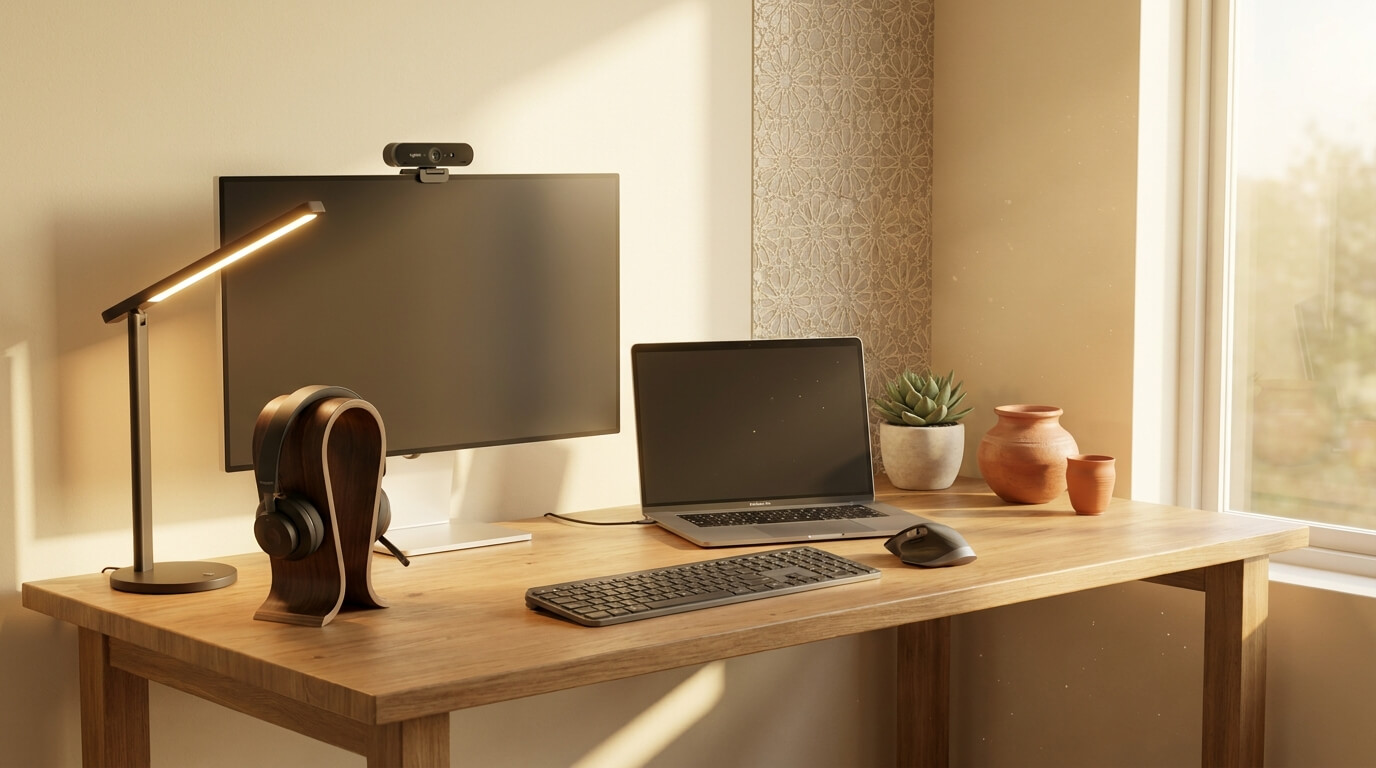

Working from home in Pakistan has its own challenges — load-shedding, sometimes-noisy households, calls that span Karachi and California in the same morning. The right gear doesn’t make the house quieter or the power more reliable, but it does mean the workspace stops being the bottleneck. Here are the five pieces of Logitech kit that genuinely make a difference, in priority order.
1. A keyboard you actually want to type on — MX Keys S
If you spend more than four hours a day typing, your keyboard is the single highest-leverage upgrade you can make. The MX Keys S has tactile sculpted keys, backlit illumination that adjusts to ambient light, and quiet typing that won’t annoy anyone in earshot. It pairs with up to three devices and switches between them with one button — useful when you bounce between a laptop and a desktop. Smart Actions let you assign workflows (open three apps, paste your email signature, send a calendar invite) to a single key.
2. A mouse that doesn’t fight you — MX Master 4 (or 3S if budget)
Pair the keyboard with the MX Master 4. 8K DPI Darkfield sensor that works on any surface (yes, even your glass dining table when the desk gets buried), MagSpeed wheel for flying through long PDFs, 70-day battery, and now haptic feedback for window-snapping that you didn’t know you wanted. If the budget says no, the MX Master 3S is the same shape and precision minus the haptics.
3. A webcam your colleagues respect — BRIO 100 or MX BRIO 4K
Built-in laptop cameras are an embarrassment in 2026. The BRIO 100 (1080p) is the entry point — sharp video, integrated privacy shutter, mounts cleanly on any monitor. The MX BRIO 4K is the upgrade for client-facing work — true 4K, Show Mode swivel for whiteboard demos, and AI-driven low-light correction that’s genuinely useful in Pakistani homes where natural light shifts hour by hour and rooms have mixed warm/cool tube lights.
4. A headset that handles calls AND focus work — Zone 300 or Zone Wireless
The Zone series is designed specifically for video calls. The Zone 300 is the entry point — lightweight, wireless, comfortable for 4+ hour days. The Zone Wireless is the premium pick with noise-canceling mic and active noise cancellation when there’s construction outside (it happens to all of us) or your kids are doing online school in the next room. Both have flip-up mic muting and connect to two devices at once — your laptop for Zoom and your phone for personal calls.
5. Speakers that make WFH evenings worth it — Z313 or Wonderboom 2
When the call ends and the work is done, the same desk turns into your music corner. The Z313 2.1 system gives you a small subwoofer and two satellites — meaningful low-end for movies and music without the bulk of a full bookshelf setup. The Wonderboom 2 is the portable option — IP67 waterproof, 13-hour battery, takes itself to the rooftop, the kitchen, the next room without rewiring anything. The desk stays usable, the music follows you.
What to skip (and why)
- Gaming mice for office work — the G series is brilliant for what it’s designed for, but the RGB and aggressive shape feel out of place at a serious desk.
- Mouse pads — the MX series Darkfield sensor works on every surface in your house. Skip the dedicated pad unless aesthetics matter to you.
- Cheap webcams from random brands — they look fine in product photos and terrible on calls. The Logitech BRIO range is the cheapest you should go.
The bundle math
Five pieces — mouse, keyboard, webcam, headset, speakers — is a meaningful investment. But spread across a five-year usable life, it works out to roughly the cost of one decent restaurant meal per month. For something you use eight hours a day, that’s the deal of the decade. Every product mentioned is available in stock with free nationwide shipping and the manufacturer warranty honoured locally.