
#1 in Presenters
In stockOut of stock 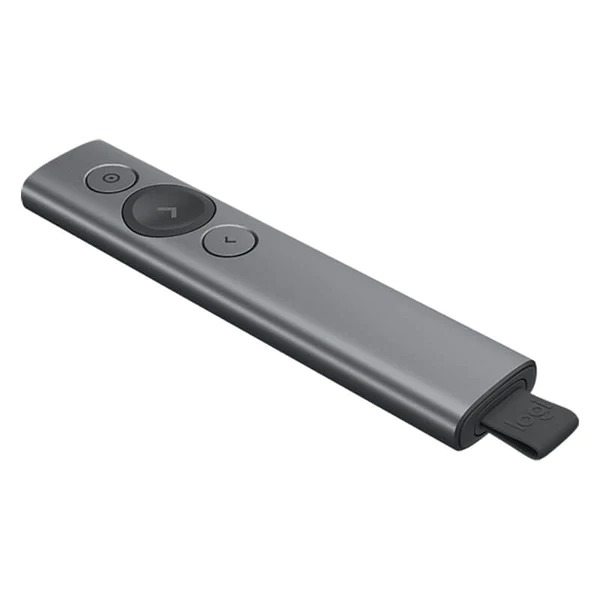
Presenters
Logitech Spotlight Presentation Remote
Premium Bluetooth presenter with on-screen highlight and timer vibration
Rs. 30,845
Presenters
Genuine Logitech product — sealed and warranty-backed in Pakistan
We'll email you the moment it's back in stock.
The Logitech R500 Wireless Laser Presentation Remote is a Logitech product engineered for compatibility with Logitech’s broader ecosystem. Built around Logitech’s signature reliability and compatibility standards. It’s available across Pakistan through Logitech Pakistan’s official channel. Available exclusively from Logitech Pakistan as the officially authorized Logitech Pakistan online partner, every unit ships factory-sealed from our warehouses across Pakistan with full 1-year manufacturer warranty and free nationwide delivery.
Customize button functions, monitor battery life, and set an on-screen timer from the Logitech Presentation App. Never worry about your computer going to sleep, the app keeps it awake while you presen
INTUITIVE SLIDE NAVIGATION
The R500’s unmistakable three button design means you can navigate your presentation slides with ease and confidence without having to look down to orient your fingers.
Point out precise areas of focus in your presentation with an easy-to-use and bright red laser pointer.
If you present on TV & LCD screens and need a digital pointer, try the
Connect your R500 to your computer via USB receiver or Bluetooth® low energy technology. Then move and present freely from as far as 20 meters away.
The R500 is a simple, reliable, and hassle-free presentation remote – so you can focus on crushing your delivery.
The R500’s unmistakable three button design means you can navigate your presentation slides with ease and confidence without having to look down to orient your fingers.
Point out precise areas of focus in your presentation with an easy-to-use and bright red laser pointer.
If you present on TV & LCD screens and need a digital pointer, try the
Connect your R500 to your computer via USB receiver or Bluetooth® low energy technology. Then move and present freely from as far as 20 meters away
The R500 Laser Presentation Remote has been designed to fit snugly into the palm of your hand, and its soft rubber surface and textured buttons allow for a confident grip while presenting.
Every specification, in-the-box detail, and compatibility note shown above is sourced from Logitech's official product page. You can confirm every claim against the manufacturer's published documentation.
View on logitech.com →Yes — every product on Logitech Pakistan is sourced through the official authorized channel. Each unit ships sealed with the manufacturer’s serial number, eligible for the manufacturer warranty (specific term shown on the product page).
Yes. Warranty claims are processed locally — see our how-to-claim guide. Most claims are resolved within 7–10 business days.
Select Cash on Delivery at checkout. A 4.5% COD Tax & Charges line is added to your order total. Pay the full amount to the courier on delivery.
Returns are accepted within 7 days of delivery, but only for wrong-product or defective cases.
No reviews yet — be the first to share your experience.
Sign in to write a review. Only verified buyers — customers who have purchased this product — can publish reviews. Sign in →
Other top picks from the same range and beyond.
Premium Bluetooth presenter with on-screen highlight and timer vibration
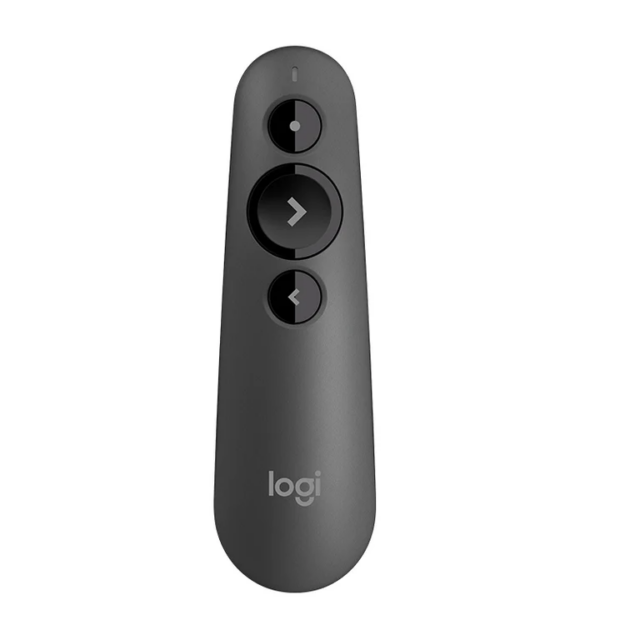
Genuine Logitech product — sealed and warranty-backed in Pakistan
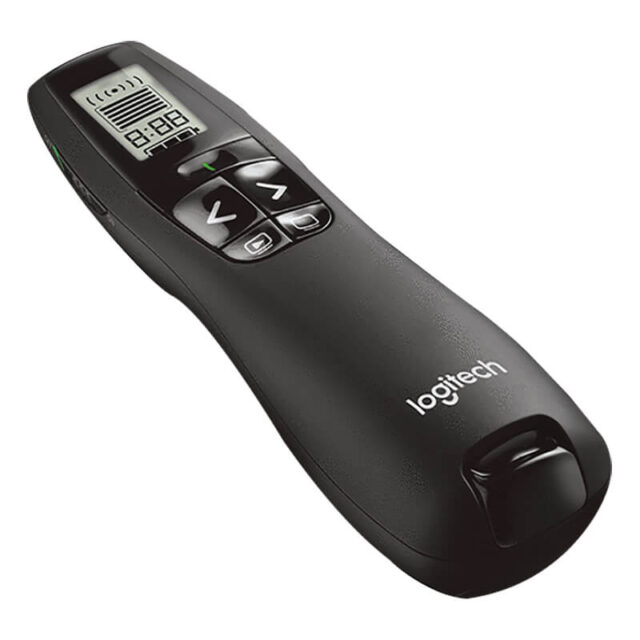
Genuine Logitech product — sealed and warranty-backed in Pakistan
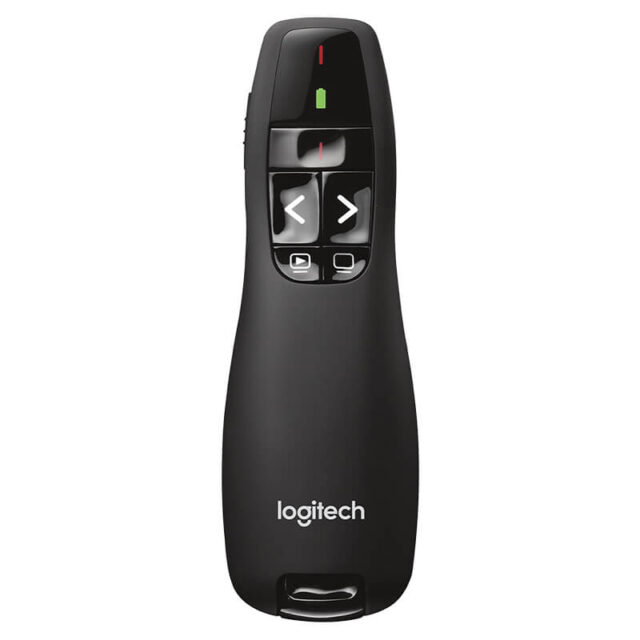
Genuine Logitech product — sealed and warranty-backed in Pakistan